Local-first connectivity
Keep devices talking over p2p WiFi even when upstream internet is unstable or unavailable.

P2P WiFi for autonomous and connected devices
WOTA WiFi gives controllers, field devices, robots, kiosks, and other autonomous systems a local-first p2p WiFi layer. Start small with a DIY deployment, expand to multi-site enterprise rollout, and sync verification or reward records to Base when connectivity is available.
Keep devices talking over p2p WiFi even when upstream internet is unstable or unavailable.
Start with a single controller and a few devices, then expand into managed multi-site enterprise rollout.
Anchor proofs, relay records, receipt events, and WOTA reward history to Base when the system comes online.

Deployment flow
Choose your controller path, pair nearby devices, apply the right operating policy, and keep the live mesh local-first. When internet is available, you can sync selected proof and reward events to Base.
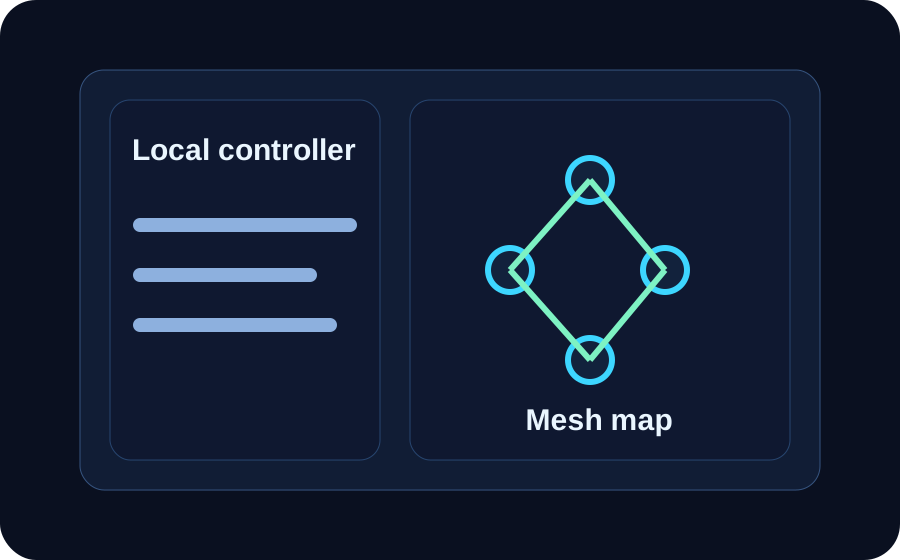 01
01
Set up the operator device, bridge, or local controller that will start the WOTA WiFi service for the site.
 02
02
Bring nearby devices onto the local p2p WiFi layer and confirm the signal path, policy, and role for each one.
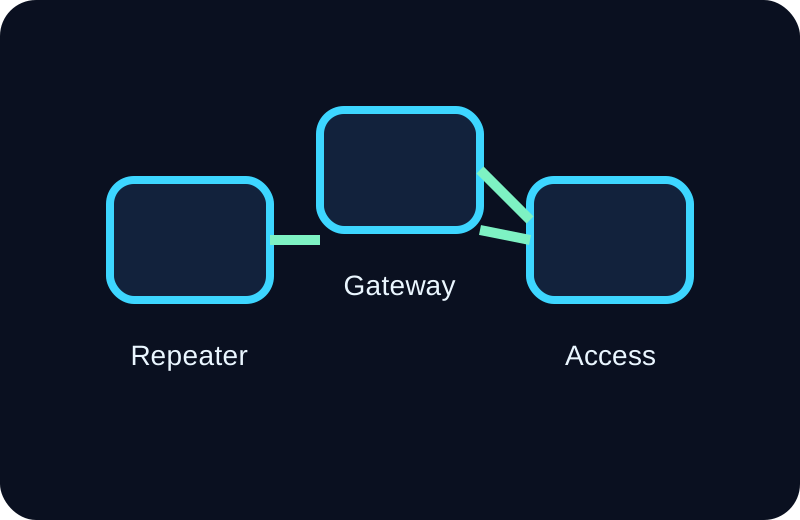 03
03
Run the deployment for real work at the edge without making normal operation depend on constant internet.
 04
04
When connectivity returns, sync verification, reward, and service records to Base for auditability and wallet-side visibility.
Quick guide
Download the deployment guide for DIY installation, enterprise rollout, controller roles, Base-backed verification, and wallet setup for WOTA on Base.
Why it works
WOTA WiFi gives operators a cleaner first deployment path. Start with a local controller, pair the devices that matter, and keep the live service useful before adding any optional cloud or onchain layers.
Controller and operator benefits
The deployment story is easier to understand because the first job is operational connectivity. Users can stand up a controller fast, bring on nearby devices, and understand when local service is enough versus when later Base sync adds value.
Deployment copilot
WOTA WiFi is built to help autonomous devices communicate locally first. Operators can guide a DIY install or standardize an enterprise rollout without turning the live deployment into an always-online dependency ,with help of the built in Ai assistant.
Controller setup flow
The flow starts with a controller profile, device pairing, and local service policy. After that, Base can be used for selective proof, verification, and reward records when the network reconnects.
Local controller setup, device pairing, and Base-backed sync
WOTA + Base
WOTA WiFi is designed so the live p2p network can keep working locally while selected proofs, receipts, relay records, and reward history can later be anchored to Base. That gives DIY users a cleaner upgrade path and gives enterprise teams an auditable trail.
Onchain with Base

Use the WOTA token image and wallet QR to help users add WOTA on Base. The onchain layer can support reward visibility, proof anchoring, receipt verification, and later service-side callbacks when connectivity is available.

Scan the QR code to add WOTA to a wallet and keep Base-ready token support visible on the page.
FAQ
No. The live network is meant to work locally first over p2p WiFi. Internet access is mainly for updates, optional management, and later Base sync.
Base is used for optional onchain records such as proof anchoring, receipt verification, reward history, and wallet-facing WOTA support. It does not need to be in the loop for every local device exchange.
WOTA WiFi can work for DIY builders standing up a small deployment and for enterprise teams managing larger autonomous-device rollouts with clearer policy and audit needs.
Start now
Download the deployment guide, launch a DIY or enterprise rollout, restore the WOTA wallet QR to the page, and use Base where onchain verification actually adds value.